How it works
Choose a program and log your workouts in the app. Your active block keeps your program, nutrition plan and check-ins together.
Using a block
Choose your program
Explore all five starting programs before you sign up. Engine, a workout in 75 STRONG, combines bike intervals, kettlebell swings and a timed row.Bike · 8 rounds of 30 s work and 90 s recovery
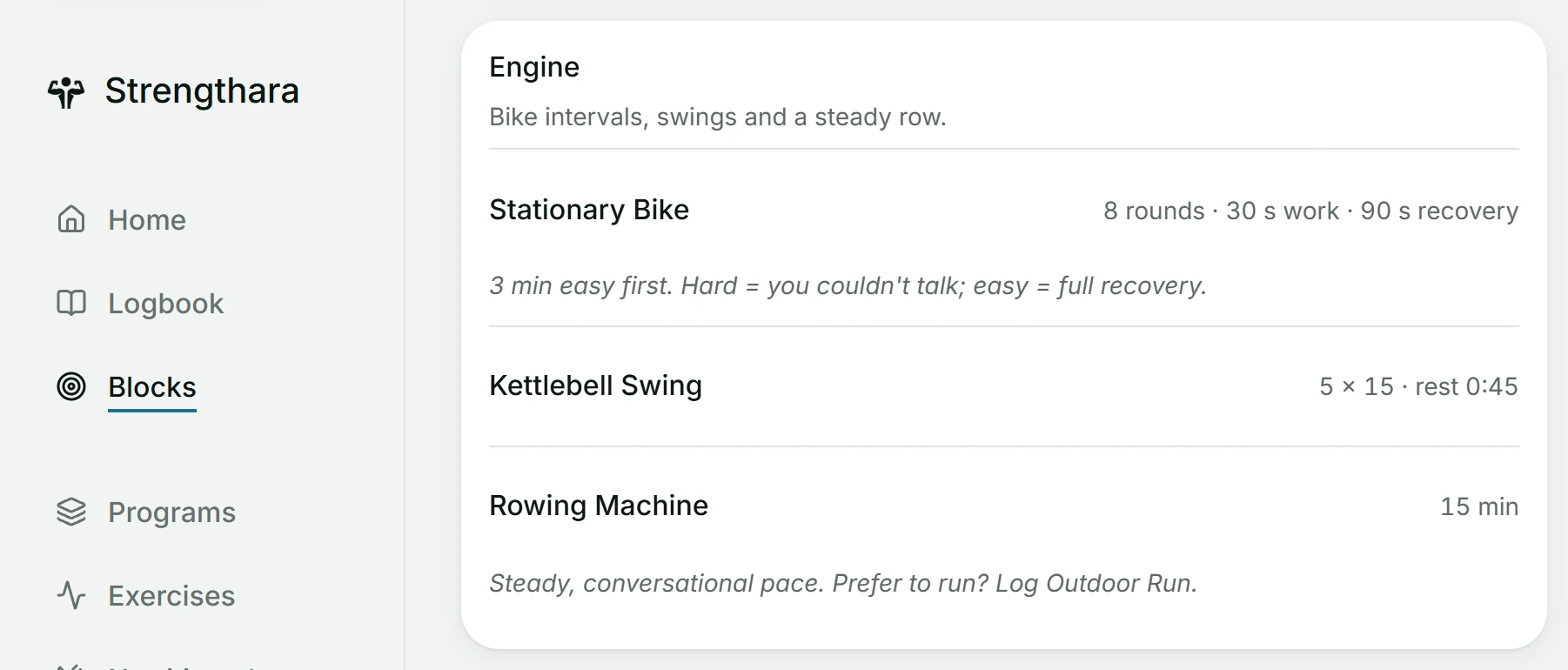
Engine · 30 seconds of work, 90 seconds of recovery.Example data Log a session
Log time, distance, reps or weight for each exercise. If the workout is already on your phone, you can log it offline. It syncs when you’re back online.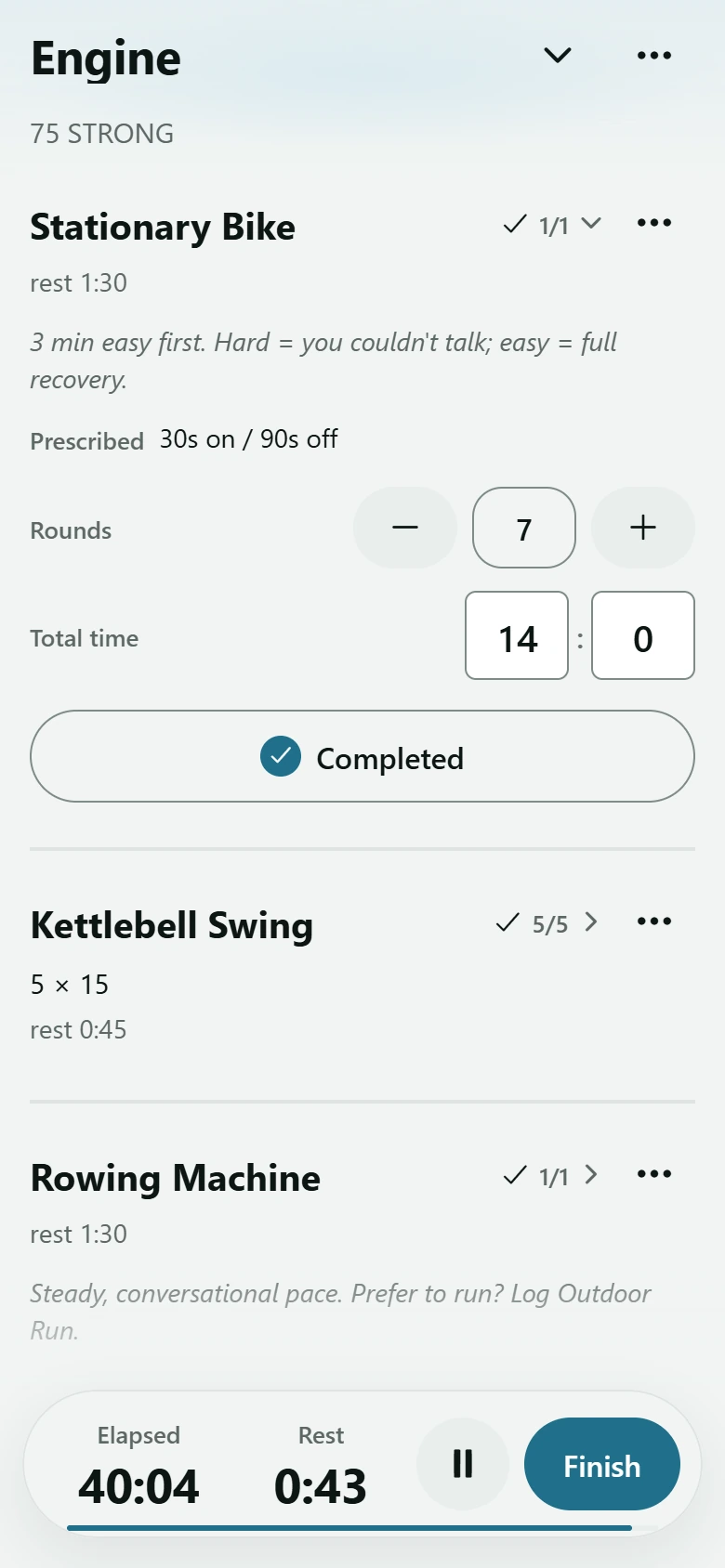
The bike was planned for eight rounds. This session ended at seven.Example data Choose a meal
Open a recipe from your nutrition plan. Its ingredients, energy and protein are listed per serving.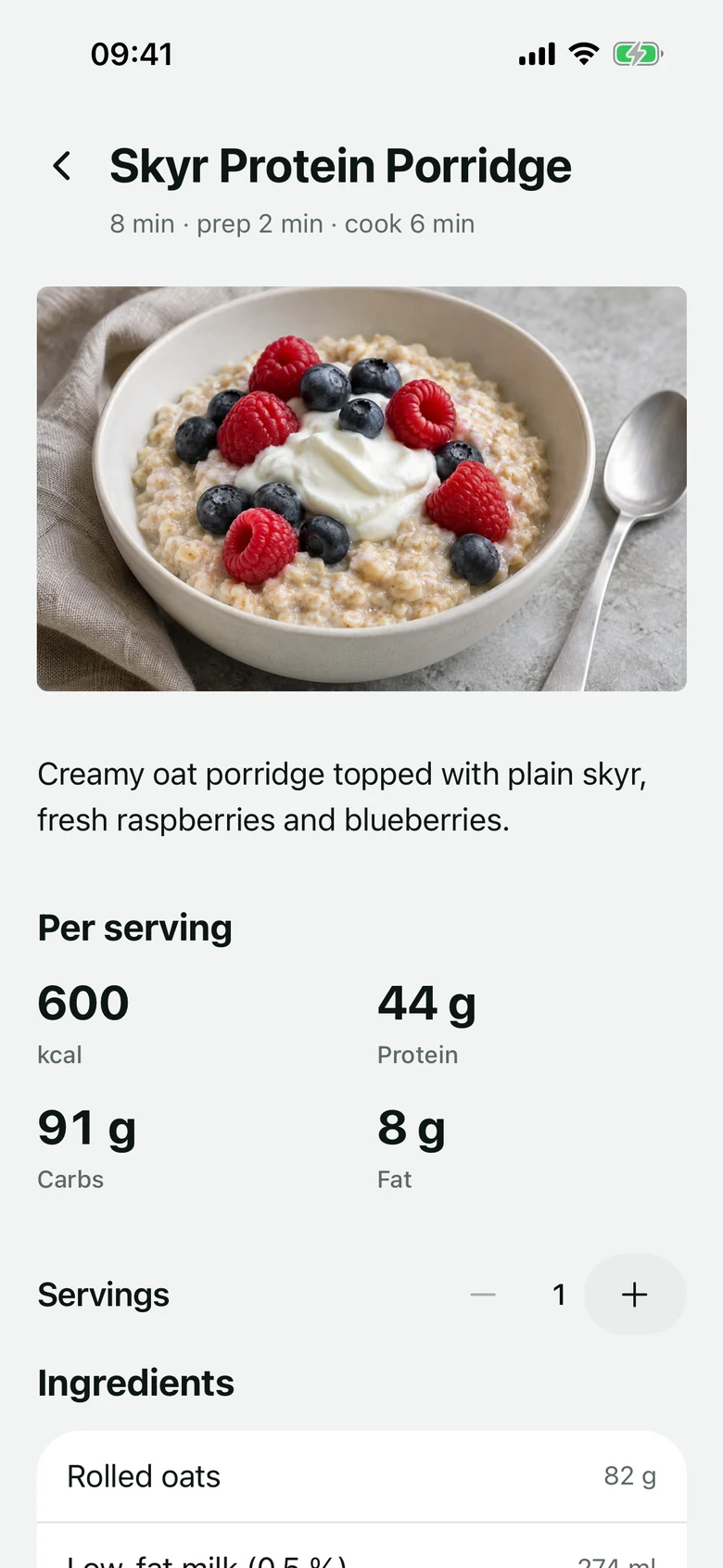
Skyr protein porridge · 44 g protein per serving.Example data Record a check-in
Record what your check-in asks for, such as weight, measurements or photos. Entries are saved with the active block.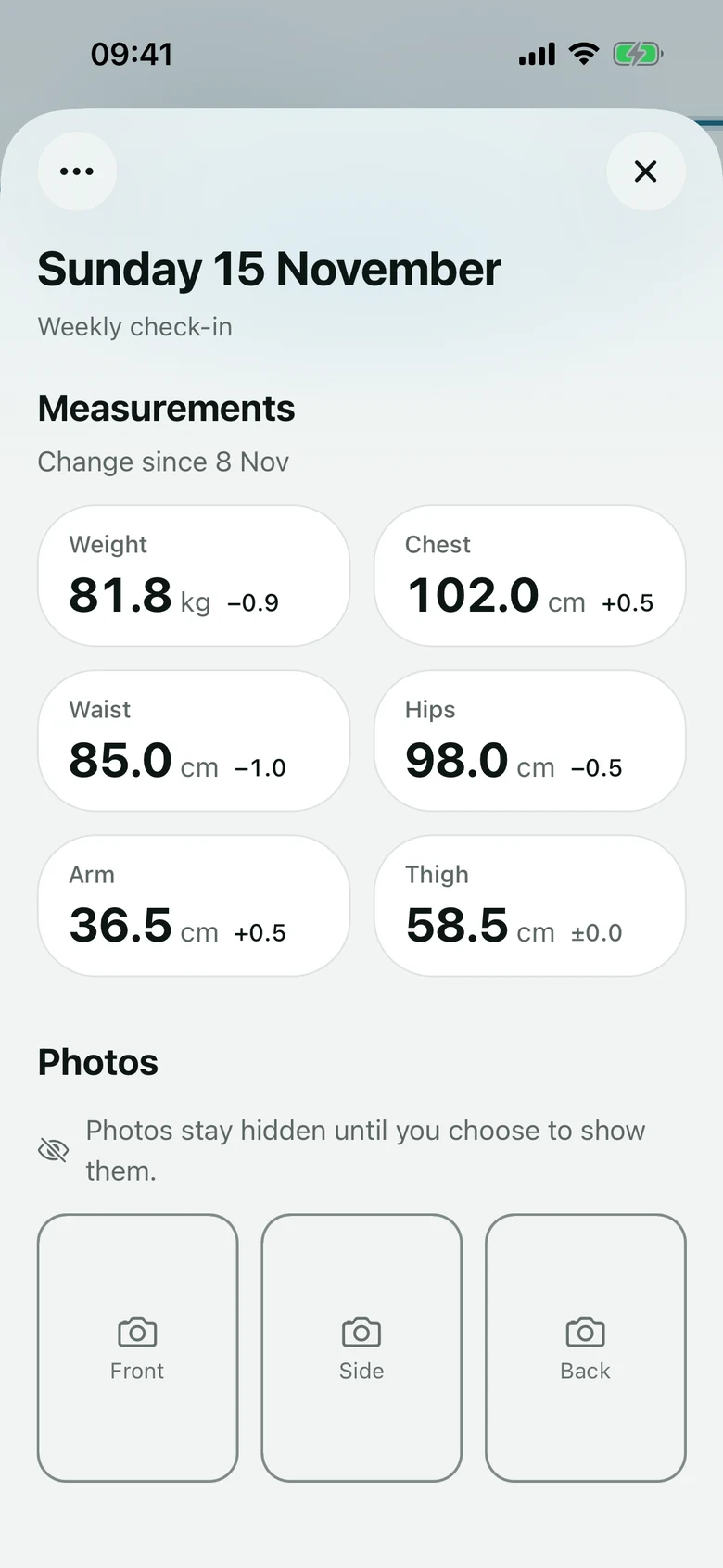
Weekly check-in · Body measurementsExample data Review in the Logbook
Reopen a session by date to see what you did. In Engine, the row lasted 16 minutes and covered 3.2 km.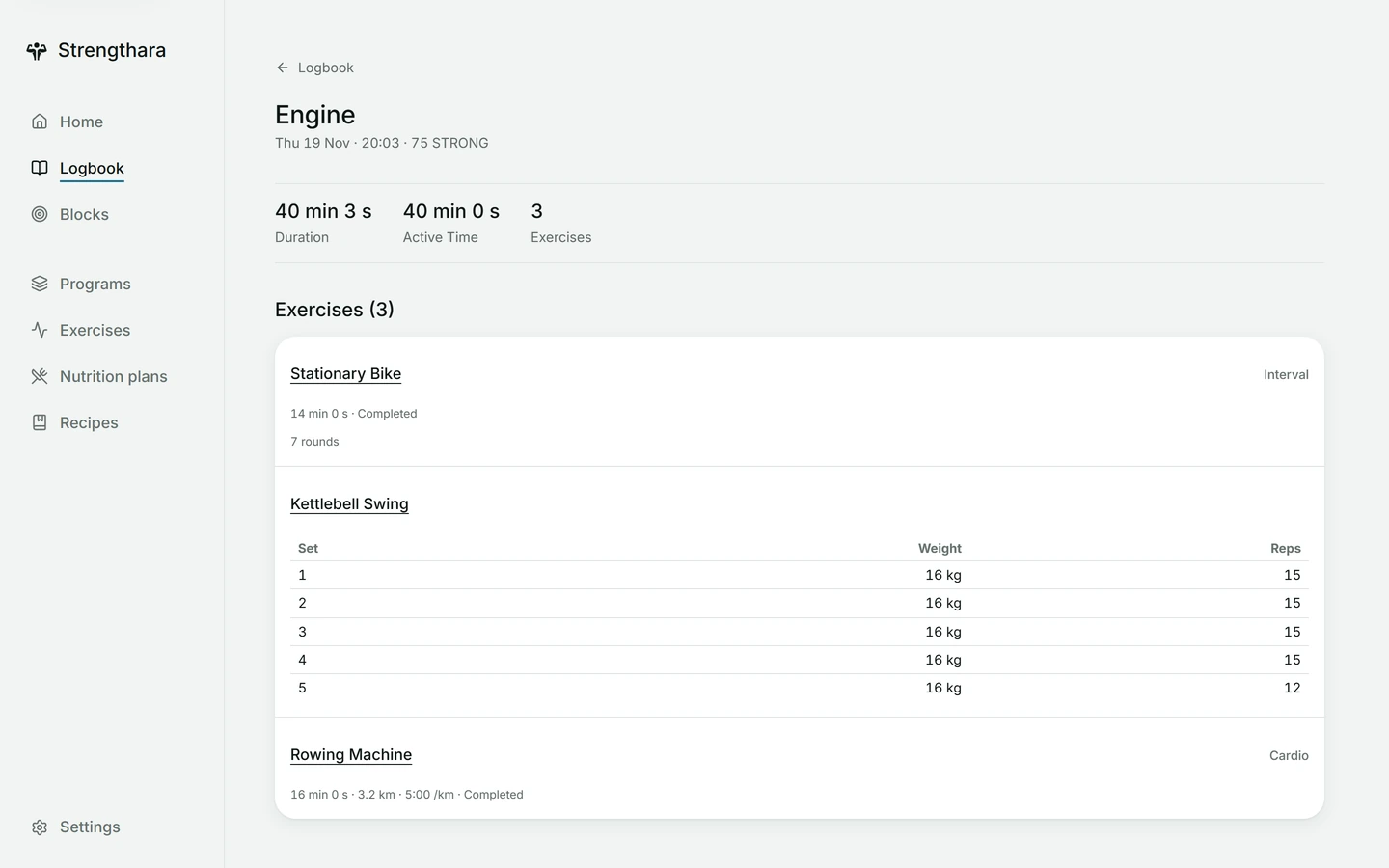
19 November · Seven bike rounds, five sets of swings and a 3.2 km row.Example data

